feature · movies
How to Watch Being Heumann With ASL or BSL on Apple TV
Enable sign language for Being Heumann on Apple TV, pick ASL or BSL during playback, and check the software requirement if the button is missing.
 By Aram Anwar3 min read

Being Heumann has American Sign Language (ASL) and British Sign Language (BSL) interpretation on supported Apple TV app devices. The U.S. title page lists both. Enable Sign Language in the Apple TV app settings first. Then, during playback, choose the Sign Language icon and select American or British.
The feature launched with Being Heumann on November 13. If you’ve found the movie but can only see the audio and subtitle menus, check the app setting and your software version before reopening it.
Turn on sign language and select ASL or BSL
- Open the Apple TV app on a supported device and go to its Settings. Turn on Sign Language.
- Start Being Heumann. Bring up the playback controls and open the Sign Language button.
- Select On if needed. Choose American (ASL) or British (BSL). Use the same menu to switch languages or turn interpretation off.
The Apple TV playback guide identifies the dedicated button. Apple’s press image below shows the menu on an Apple TV 4K. The menu’s position can vary by device.
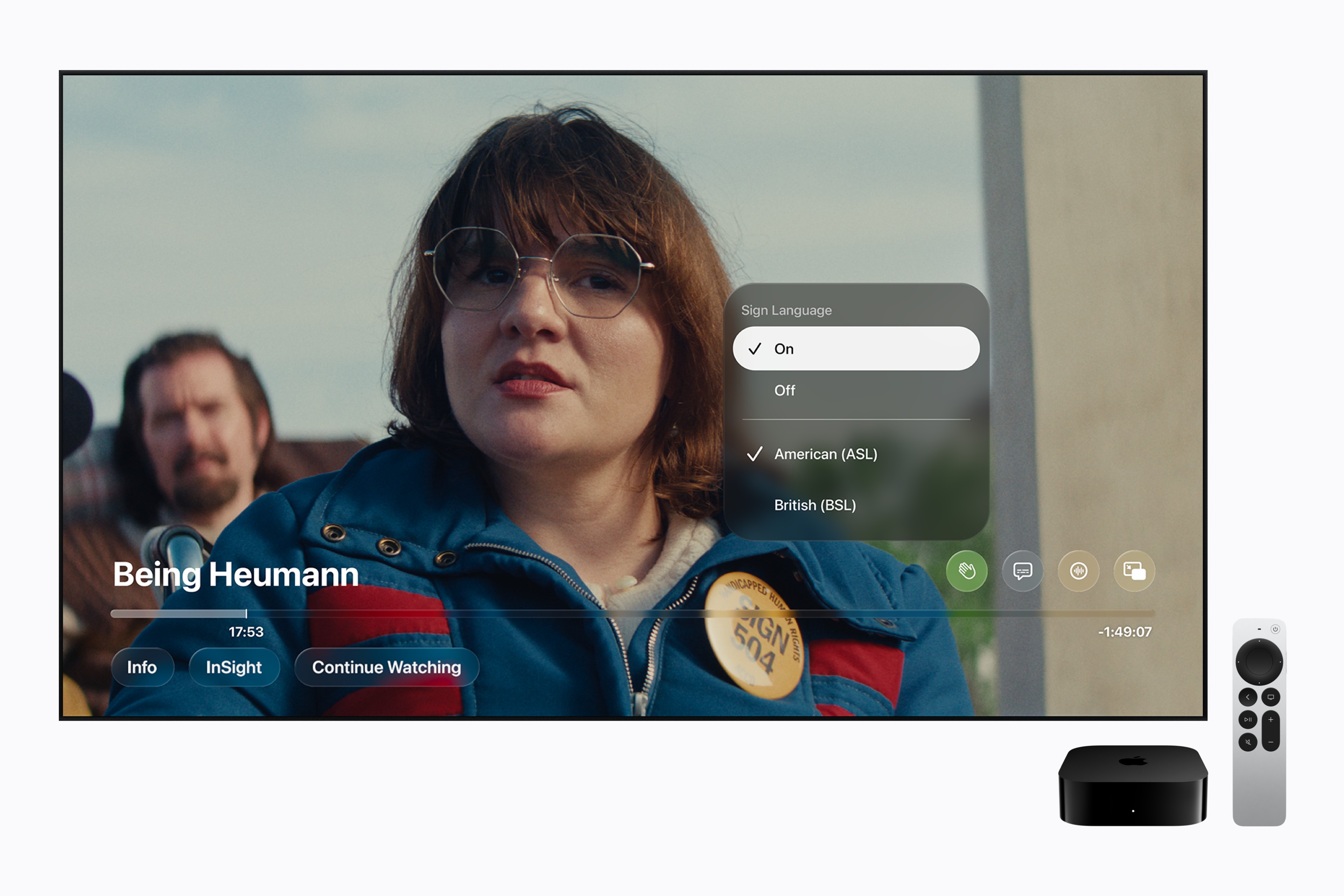
Apple’s press image of the playback controls for Being Heumann. Courtesy of Apple.
What to check if the button is missing
| Check | What to look for |
|---|---|
| Apple device | Apple lists iOS, iPadOS, macOS, tvOS and visionOS 27.2 or later in the launch announcement. |
| Smart TV or another streaming device | Apple specifies a supported third-party device with the latest Apple TV app software. A device that plays the movie may still lack the interpretation control. |
| Title and language | Look for the Sign Language icon on a supported title. The U.S. listing for this film shows ASL and BSL separately from captions and audio description. |
The app’s general availability covers more devices than this feature. Apple’s launch note gives the supported-software condition and stops short of listing every compatible third-party model. If you still can’t find the control, try an updated supported device and check the title listing for your region.
Apple says Daniel Durant, who appears in the film, directed its sign language interpretation. The film dramatizes the 1977 Section 504 sit-in. For the history behind the scenes, see our Being Heumann trailer and historical context or Heumann’s memoir with Kristen Joiner.
Which films are next?
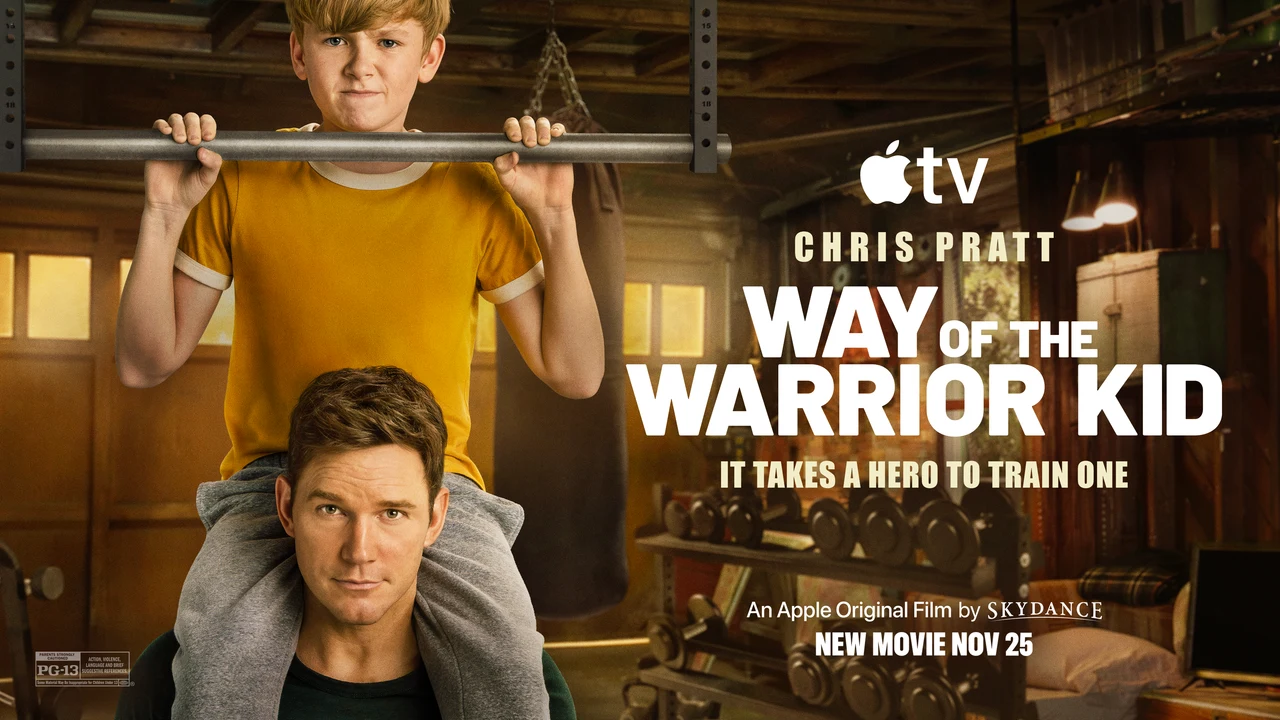
Apple also names F1 as a title with ASL and BSL support. It says Way of the Warrior Kid and Greyhound will follow later in 2026. Check the icon on each title page before planning a watch. The Warrior Kid viewing guide tracks that film’s release separately.
Sources
Make Red Reactions a preferred source
Choose Red Reactions as a preferred source in Google Search.
Confirm your choice on Google.
Related coverage
Being Heumann Official Trailer: The 1977 Disability Rights Sit-In Behind Apple’s Film
Watch Apple's official Being Heumann trailer and learn what the 2026 drama confirms about Judy Heumann, the Section 504 sit-in, its cast and release dates.

F1 The Movie and the Las Vegas Grand Prix on Apple TV: What’s Free?
Get the 2026 Las Vegas Grand Prix session times, what Apple says about its free U.S. stream, and how to watch F1 The Movie.
Come See Me in the Good Light: How the Apple TV Film Differs From the Live Tour
The Apple TV documentary follows Andrea Gibson and Megan Falley. See how it differs from Love Letter from the Afterlife and where to start with Gibson’s poems.

The Velveteen Rabbit on Apple TV: Runtime, Rating and the Book Behind It
Apple TV lists The Velveteen Rabbit at 44 minutes. See how the 2023 holiday special adapts Margery Williams’s picture book and what to know before watching.
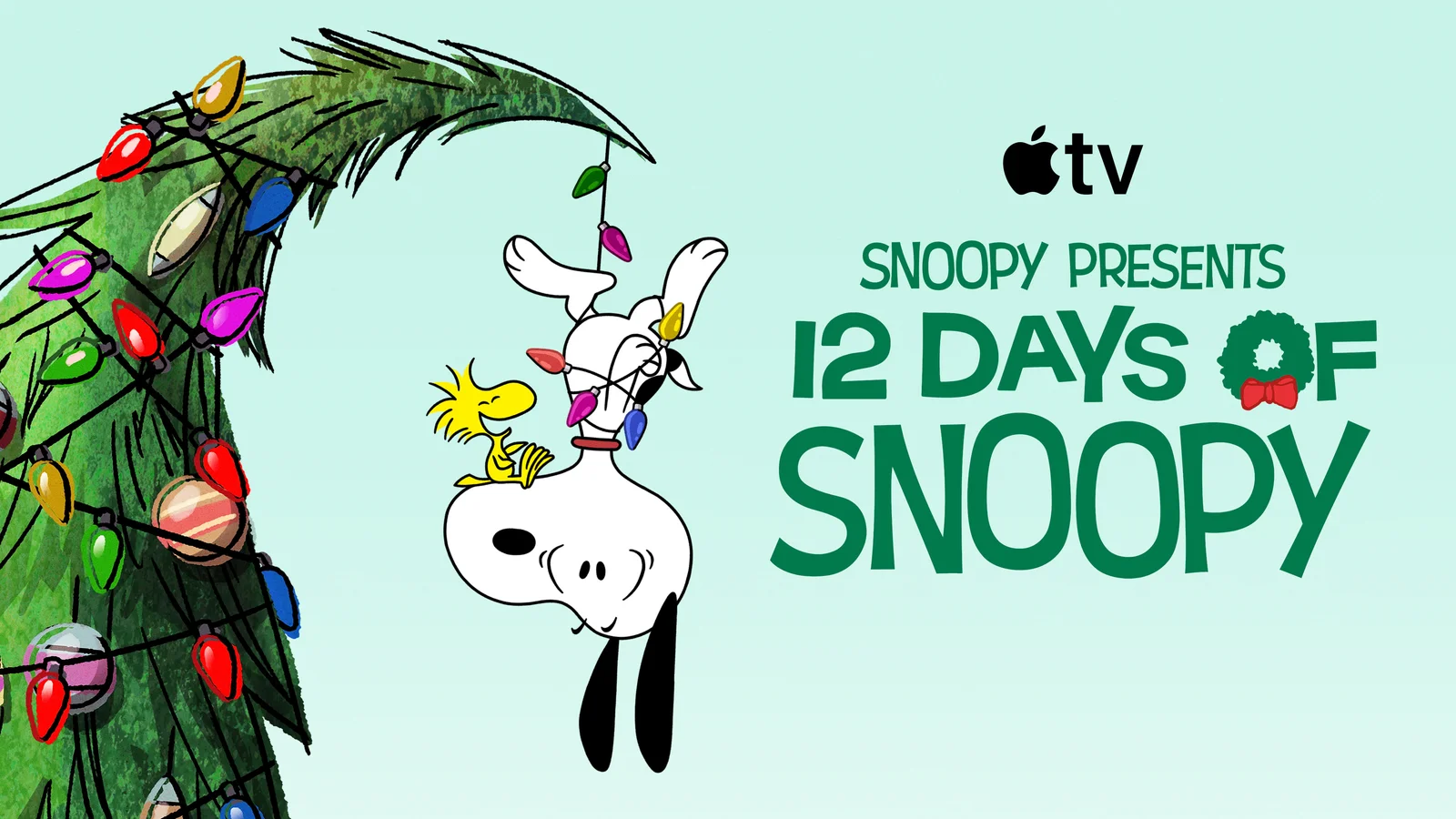
12 Days of Snoopy Arrives November 13: How It Differs From the Free Charlie Brown Weekends
Snoopy's new Christmas special arrives on Apple TV November 13. Check its music lineup and the separate free weekends for the Charlie Brown classics.

Matchbox The Movie: Who Plays Who and How the Toy Brand Fits In
John Cena’s Matchbox The Movie turns Mattel’s toy vehicles into a spy adventure. Meet the main characters and check the Apple TV runtime and US rating.
About the author
Aram Anwar
Founder & Editor
Aram Anwar founded Red Reactions and writes across comics, gaming, movies and television. His work includes franchise guides and large Lore / Explained features, with an emphasis on separating confirmed details from reports, theory and speculation.
Coverage: Comics · DC & Marvel · Gaming · Movies & TV · Lore / Explained · Guides
More from Aram Anwar