news · gaming
Steam Now Shows Steam Deck FPS Data Before You Buy a Game
Find Steam Deck LCD and OLED frame rates on Steam store pages. Learn how to read Valve’s histogram and what it means alongside the Verified badge.
 By Aram Anwar2 min read
Steam store pages now show average frame rates for thousands of Steam Deck games. Open a game’s store page, find Steam Deck Compatibility, then choose Learn more. Valve’s November 10 announcement says the numbers are based on anonymized data from Steam Deck players who opted in.
The chart sits alongside the existing compatibility rating. A Verified game can still average below your preferred frame rate, and an Unsupported game can have a decent average while presenting other problems. Read the compatibility notes for those limitations.
Where to find the numbers
- Open the Steam store page for the game you’re considering.
- In Steam Deck Compatibility, choose Learn more.
- If frame-rate data is present, read the result for your LCD or OLED model and expand the histogram for a breakdown.
The data also appears in the library on Steam Client Beta. You can read it on supported store pages without joining the beta. Valve applies a minimum sample threshold, so an empty chart is inconclusive even for a game with a compatibility rating.
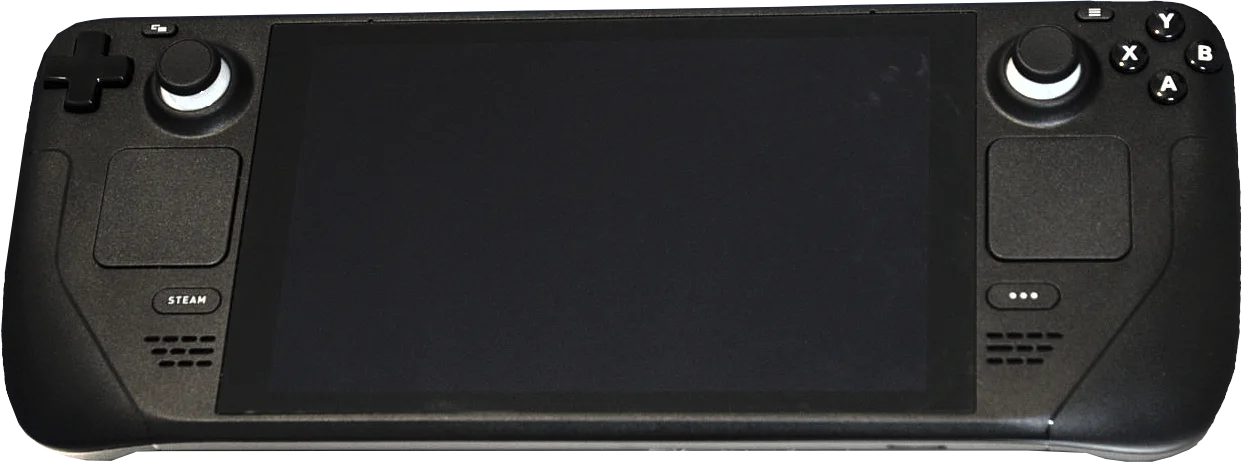
Read the result for the hardware you own. This is an original Steam Deck LCD. Liam Dawe/GamingOnLinux photo, PNG extraction by VulcanSphere, resized and converted to WebP under CC BY-SA 4.0.
What the histogram can tell you
The bars show how the collected samples are spread across frame rates. An average near your target can still conceal a meaningful tail at lower frame rates. If you care about consistency, look at the shape of the distribution as well as the average.
Valve filters samples to the default 60 FPS frame limit for LCD and 90 FPS for OLED. Players can still use different in-game graphics settings, which the chart doesn’t control for. Valve also explains that VSync can produce separate peaks at rates such as 90 and 45 FPS on OLED. Those peaks alone don’t tell you which graphics preset would give you the steadiest result.
Use both pieces of information before buying. The chart helps you judge observed performance. The compatibility notes can flag issues such as controls or text readability. For a specific Windows game that needs a compatibility fix, see how Steam’s per-game Proton setting works.
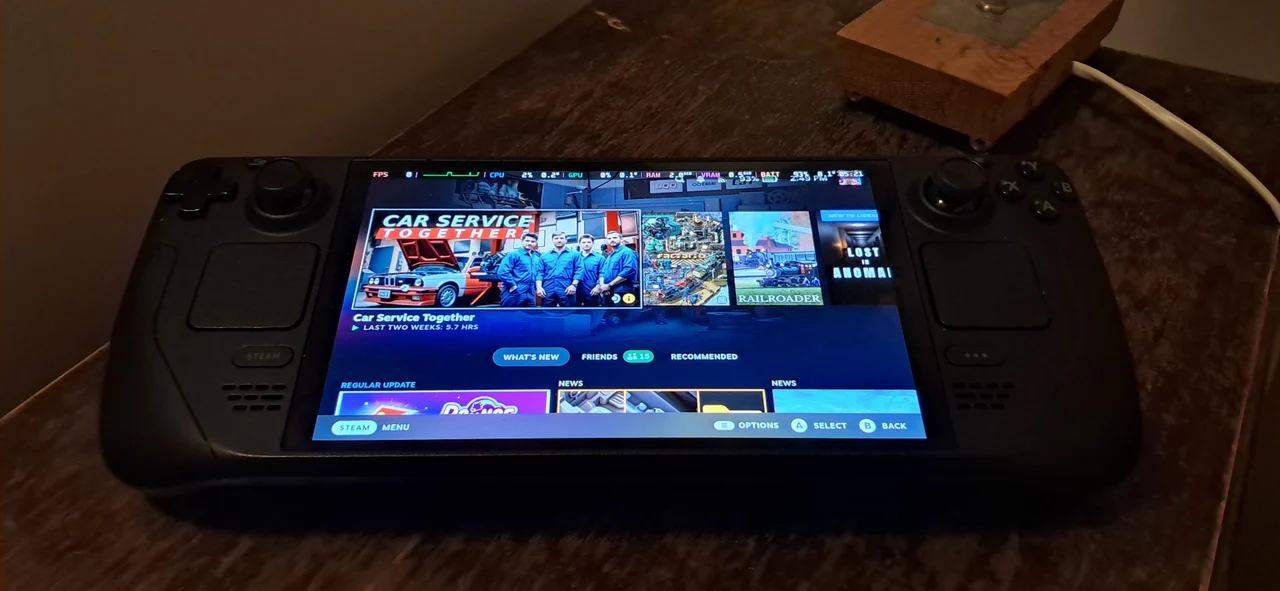
Steam Deck OLED photo by SparklesTrainNerd, resized and converted to WebP under CC BY-SA 4.0. The photo shows the library screen.
Sources
Make Red Reactions a preferred source
Choose Red Reactions as a preferred source in Google Search.
Confirm your choice on Google.
Related coverage
Valve Is Expanding SteamOS to More Handhelds, and I Hope It Keeps Going
SteamOS now runs on hardware Valve didn't build — including devices Microsoft co-engineered. Here's what's actually supported, what isn't, and why the competition is good for everyone.
Proton Experimental Fixes Phantom Blade Zero Video and Dark Souls II on Steam Frame
Valve's November 10 Proton Experimental update fixes high-resolution Phantom Blade Zero video and Dark Souls II on Steam Frame. Here's how to try it.
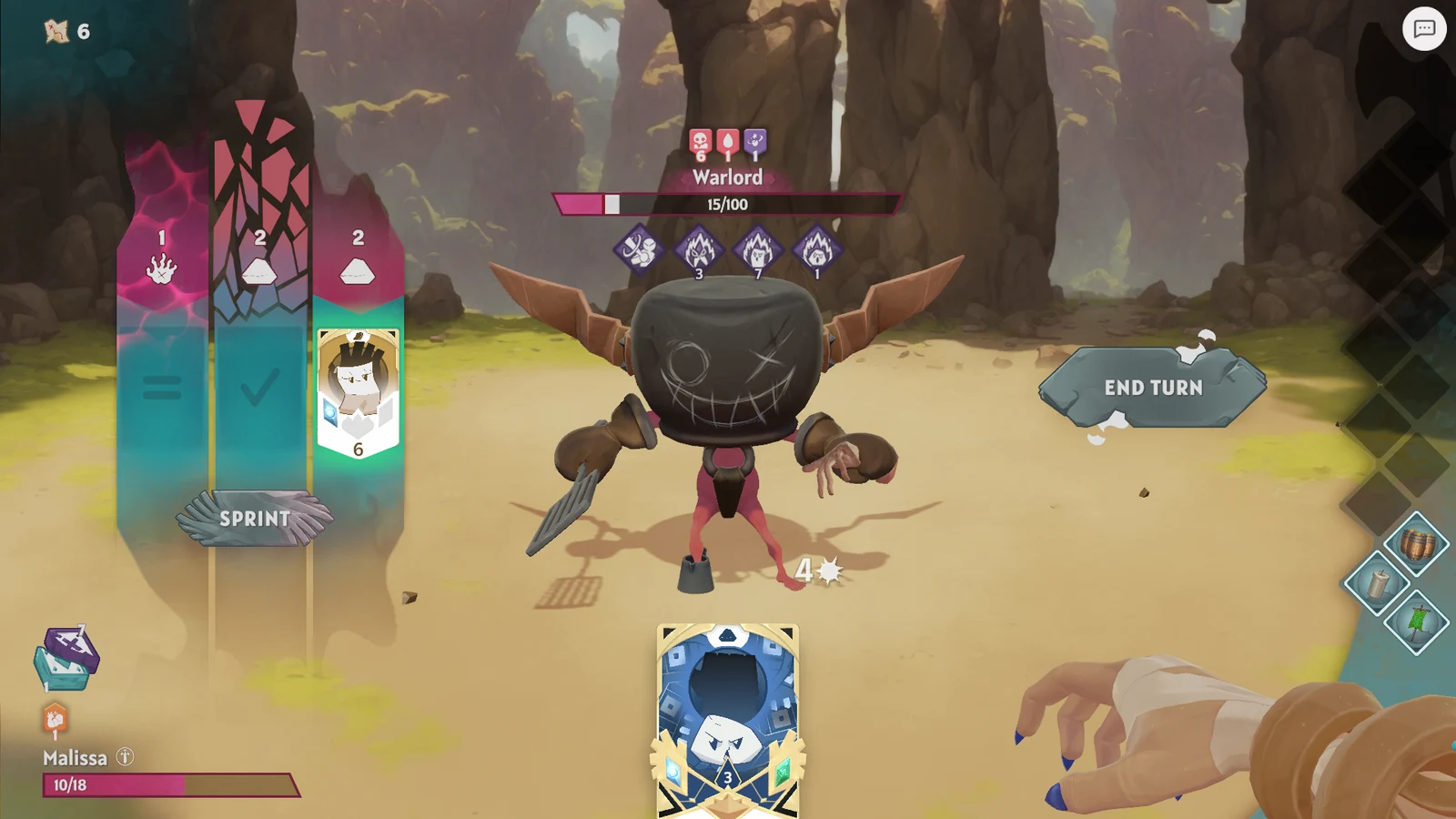
Handmancers 1.0 on Steam: What Changed and How to Try the Demo
Handmancers has left Early Access. See what changed in Corruption Delving and progression, where to get the updated demo, and what Steam Deck support means.
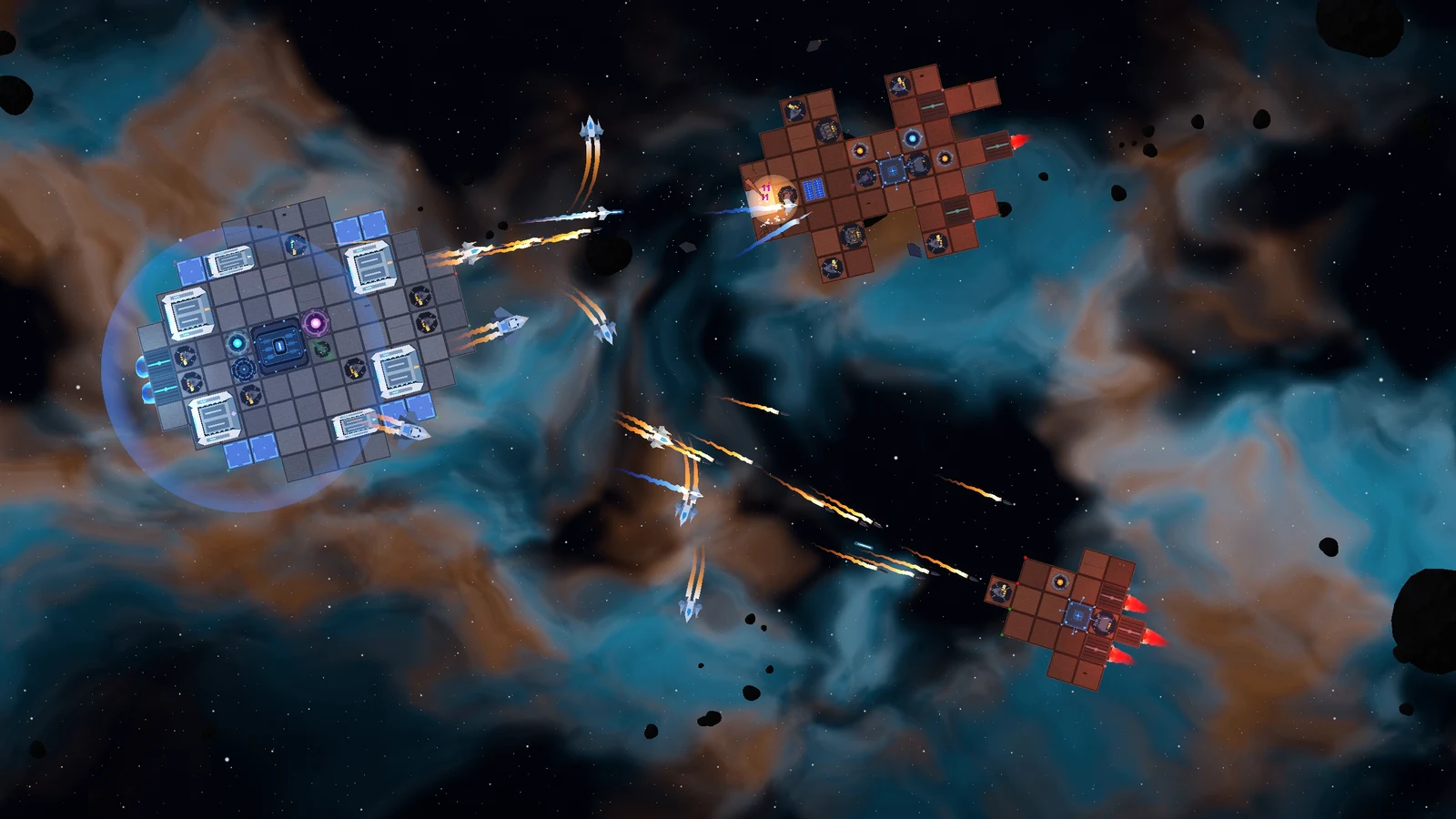
Terminal Swarm Lets You Rebuild Your Warship Between Battles
Terminal Swarm is targeting Q2 2027 on Steam for Windows. Here’s how the ship refit, time-slow combat and unlocks work, and whether there’s a demo.
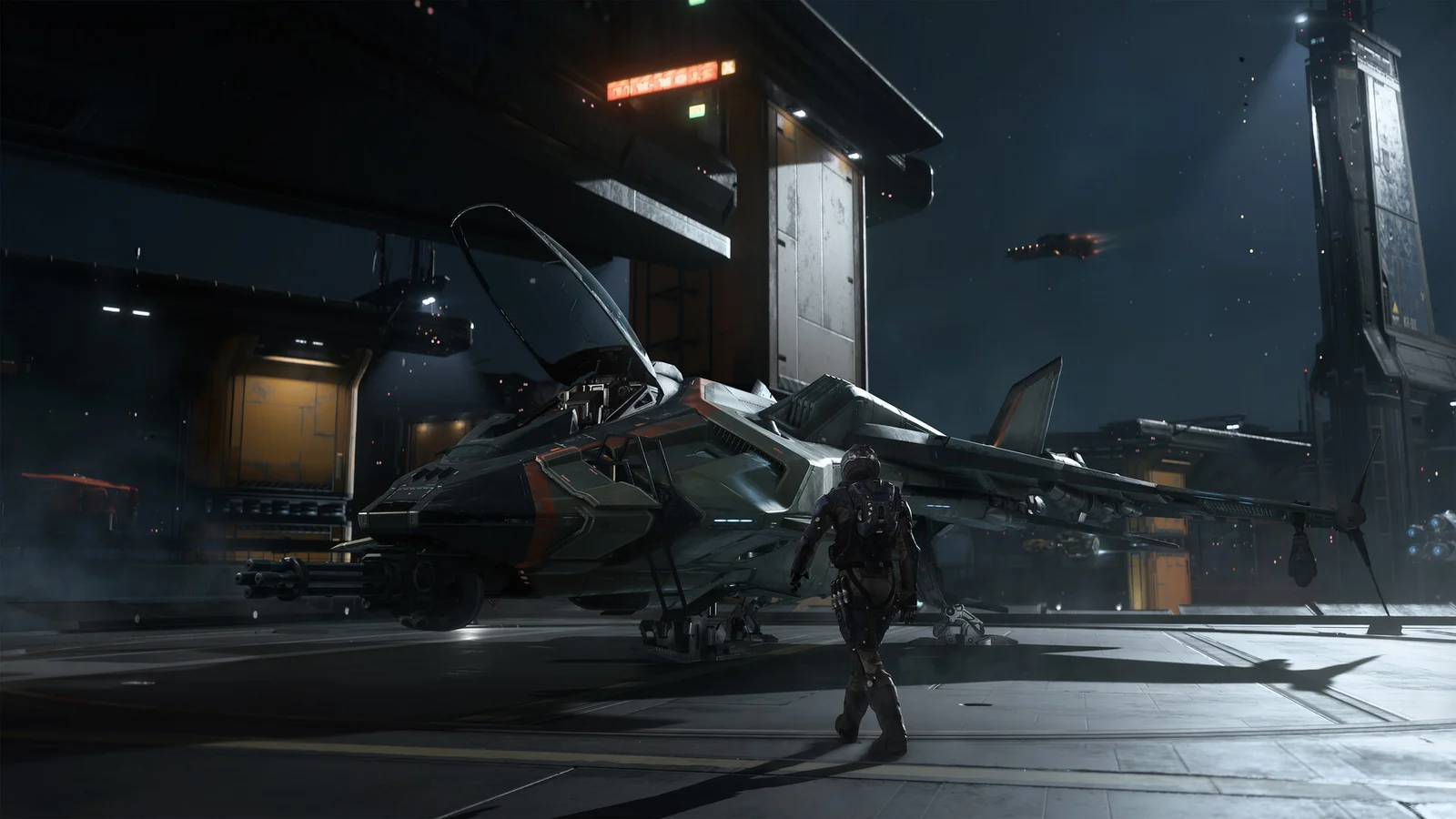
Squadron 42 Opens Steam Wishlists With The Oath Trailer and a Q2 2027 Window
Squadron 42 can now be wishlisted on Steam. Watch The Oath trailer and check the Q2 2027 window, RSI account requirement and unresolved backer access.
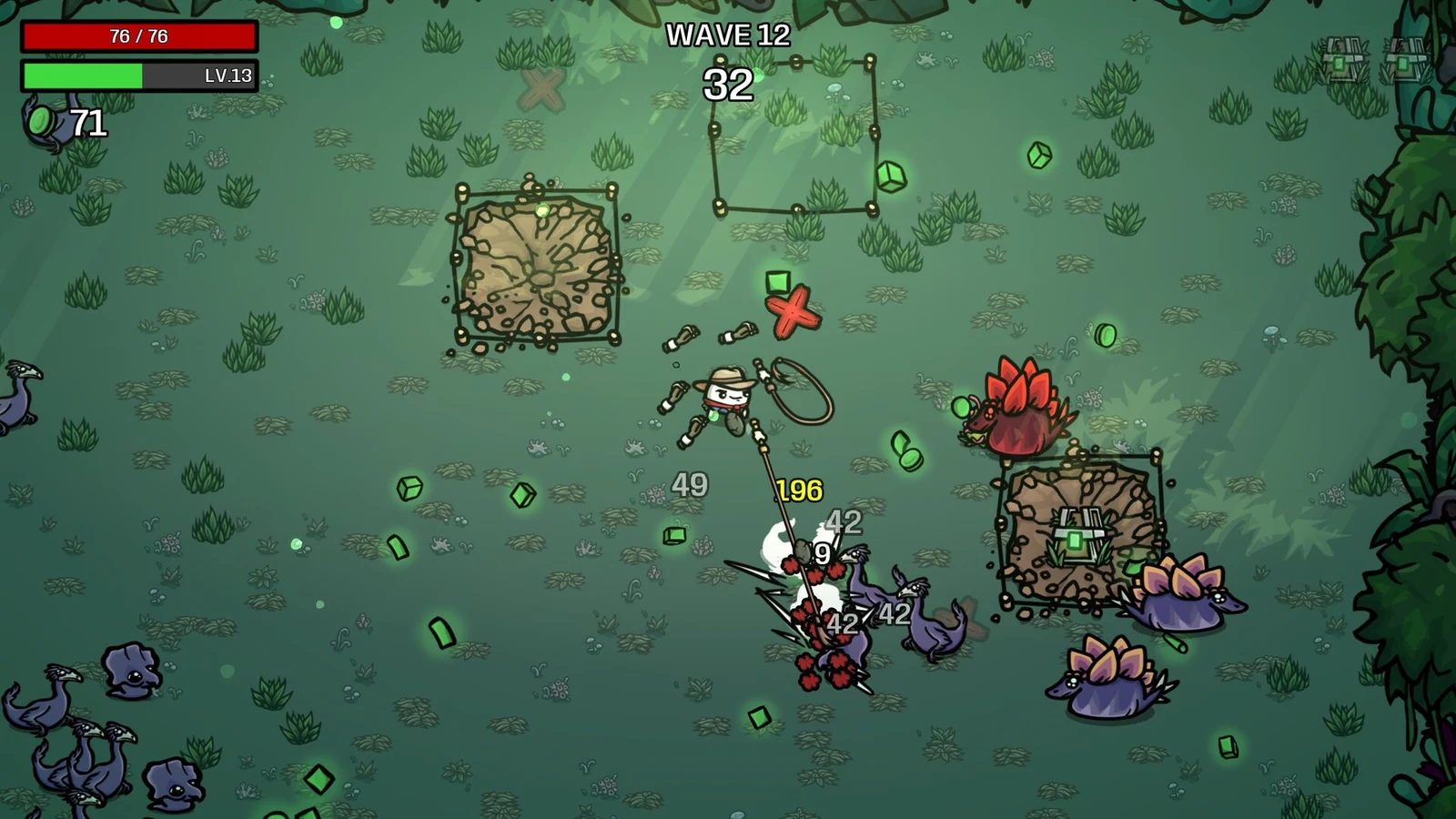
Brotato: Primal Dread Launches November 2 on PC — DLC Content and Console Timing
Brotato: Primal Dread launches November 2, 2026, on PC, with console and mobile versions planned for early 2027. Check its jungle map and base-game requirement.
About the author
Aram Anwar
Founder & Editor
Aram Anwar founded Red Reactions and writes across comics, gaming, movies and television. His work includes franchise guides and large Lore / Explained features, with an emphasis on separating confirmed details from reports, theory and speculation.
Coverage: Comics · DC & Marvel · Gaming · Movies & TV · Lore / Explained · Guides
More from Aram Anwar