- news · gaming
GRIME II: How to Start A Final Coda and Refight Bosses
GRIME II brings A Final Coda to Switch, Switch 2, PC, PS5 and Xbox Series X|S. Find out when the Tower of Opus opens and how checkpoint rematches work.


Finish the main campaign in GRIME II to open the Tower of Opus, the new area in the free A Final Coda update. The November 26 release also adds a way to refight bosses from checkpoints. That feature is separate from the tower, so you can use it during the campaign as soon as you have a defeated boss to revisit.
What you need to reach the Tower of Opus
The Tower of Opus is postgame. In the developer’s announcement, game director Yarden compares the tower to the platforming challenge in Parting Shade from the first game. You need to use the movement abilities from the campaign to clear its platforming sections before facing a new boss. The story also picks up a thread from the original GRIME. Completing the sequel’s main game is what opens the tower.
How the boss rematches work
The patch notes call the rematch feature the Prey Gauntlet. It is available at checkpoints from the start of the game and lets you fight bosses you have already defeated. Those fights are tougher versions, and the first rematch win against each boss awards currency. That gives players an option to practice and fund upgrades while the tower is still locked.
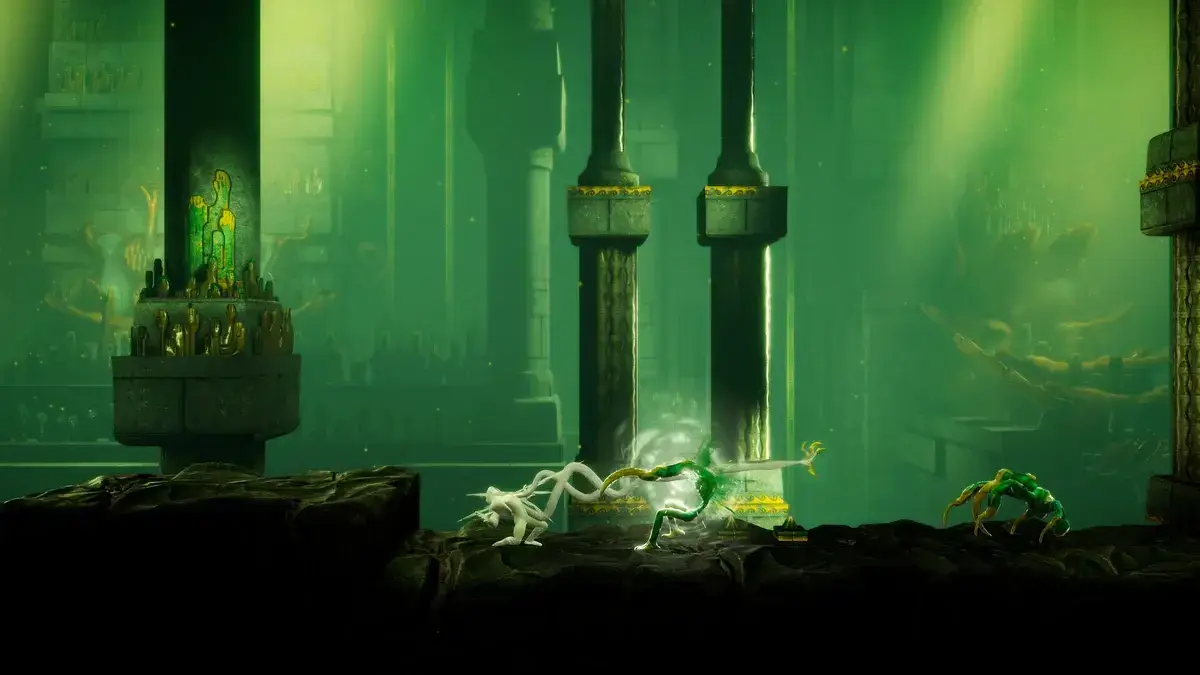
Nintendo lists an original Switch edition and a separate Switch 2 edition. If you have the original Switch and want another tactical game on that system, see our Hadean Tactics release guide. Players who want to start with the first GRIME can look for the Definitive Edition cartridge. That cartridge contains the original game.
Do you need to buy A Final Coda separately?
No. Kwalee says both Nintendo editions include the new content, and existing owners get the free update on PC, PS5 and Xbox Series X|S. The tower has the same campaign completion requirement.
Sources
- #GRIME II
- #Clover Bite
- #Kwalee
- #Nintendo Switch
- #A Final Coda
- #Metroidvania
- GRIME
Make Red Reactions a preferred source
Choose Red Reactions as a preferred source in Google Search.
Confirm your choice on Google.