news · gaming
Drawquarium Is Out on Steam. Here’s What the Full Game Adds
Drawquarium still has a free demo. See what the Steam release adds to fish care, aquarium customization, and animated wallpaper mode.
 By Aram Anwar2 min read
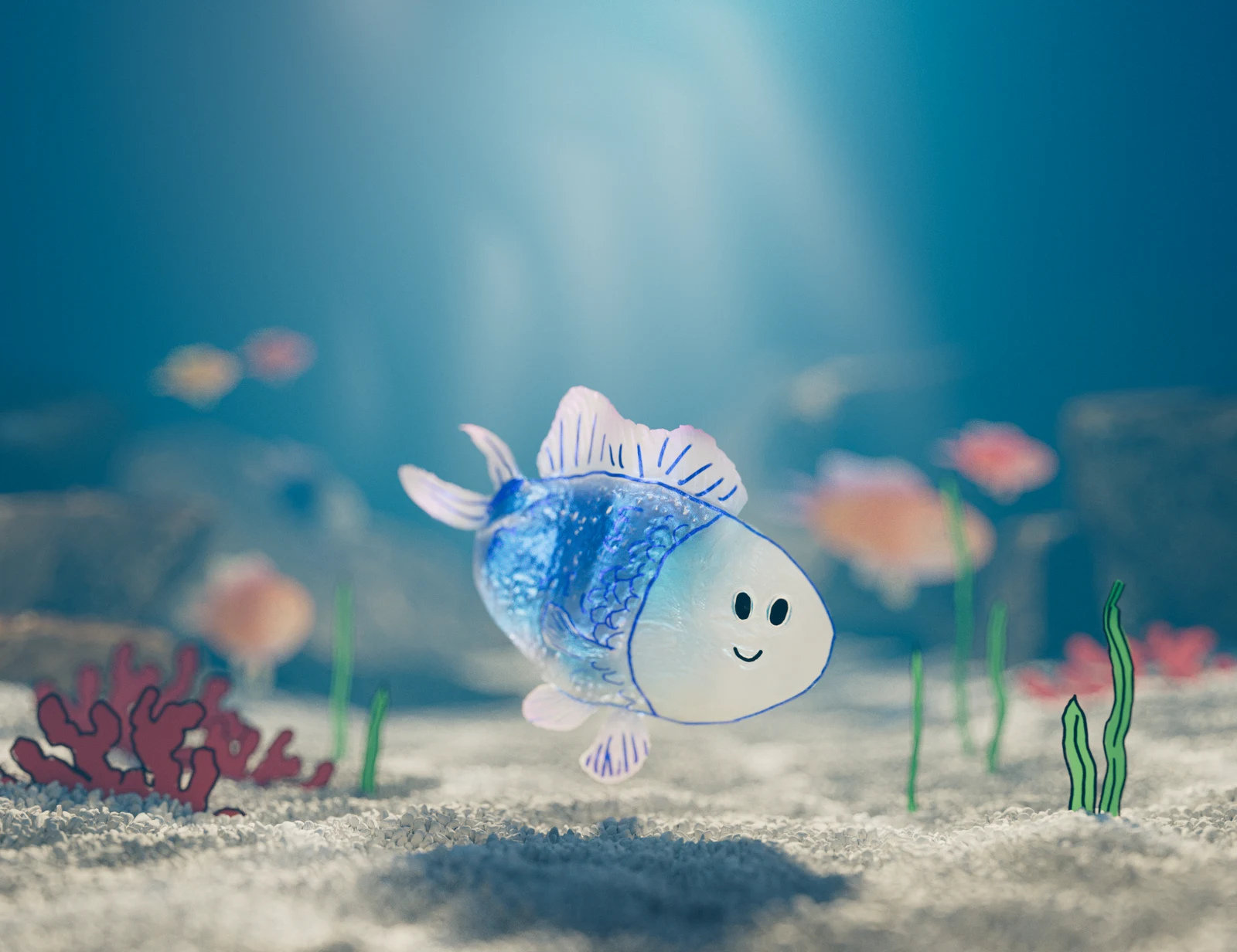
Drawquarium launched on Steam for Windows PC on November 13, 2026. The free Steam demo is still available. The full release lets you breed fish, unlock more drawing tools and decorations with Golden Scales, and turn the aquarium into an interactive desktop wallpaper.
What does the full game add?
You can draw a fish in the editor or import your own PNG drawing. The fish swims around the tank, reacts to food and interacts with other fish. The developer’s preview of the full release describes additions made since the original demo, including baby fish that grow as you feed them and a vacuum for clearing leftover food and debris.
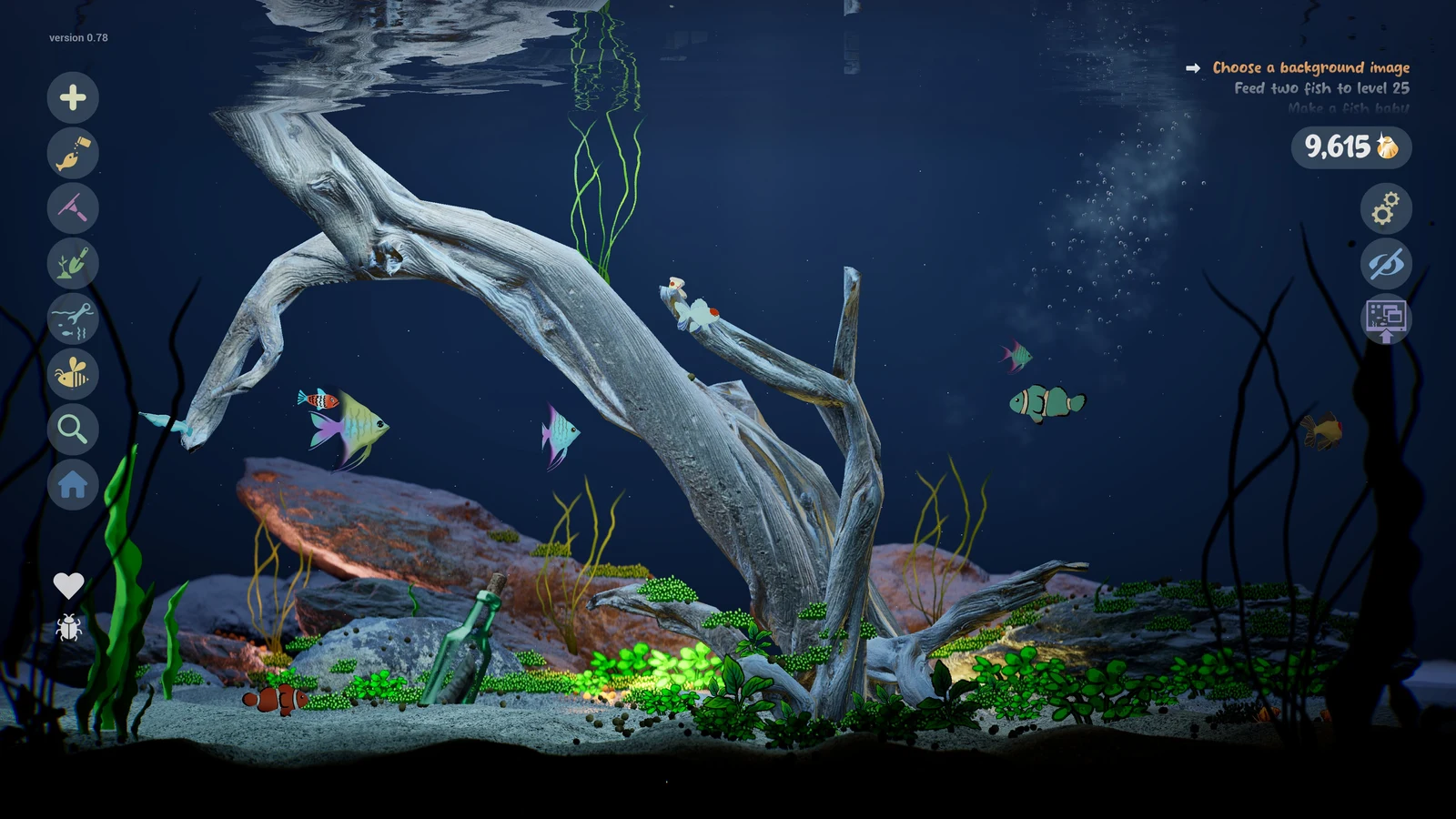
Golden Scales give the aquarium a progression system. You collect them to unlock things like new brushes and templates. The full release also gives you more control over the look of a tank, from driftwood and the water level to lighting and glowing plants. Rokaplay’s launch announcement lists ready-made fish as an option if you want to set up a tank before drawing your own.
Why can the wallpaper look softer in the background?
Wallpaper Mode lets the aquarium keep running behind your desktop. Developer Kaleb Lechowski explains in the November 13 launch notes that Sleep Mode lowers rendering quality to save resources when the wallpaper moves into the background, for example when you open a full-screen browser. You can change that behavior in Wallpaper → Sleep Mode. If you mainly want Drawquarium to run beside your other apps, check how your own PC handles the free demo before you buy.
The Steam listing has the purchase and demo links. For a different approach to leaving a miniature world running next to your work, see our HoloCozy Steam release guide.
Sources
Make Red Reactions a preferred source
Choose Red Reactions as a preferred source in Google Search.
Confirm your choice on Google.
Related coverage
Littlelands Hits Steam Early Access. What’s in the Free Demo?
Littlelands enters Steam Early Access for Windows on November 16. See what’s in the free demo, from a goblin boss to remappable controls.
Near The Sun Gets a November 27 Steam Release, With a Free Demo Now
Phoenixx has dated Near The Sun for November 27 on Steam. Here’s where to find the free PC demo and how dashing and exploration shape the game.
Gundam Battle Operation 3: PS5, Steam Cross-Play and Japan-Only Test
Gundam Battle Operation 3 is free-to-play on PS5 and Steam with cross-play. Check Japan-only network-test eligibility, November sessions and what remains unknown.
Squadron 42 Opens Steam Wishlists With The Oath Trailer and a Q2 2027 Window
Squadron 42 can now be wishlisted on Steam. Watch The Oath trailer and check the Q2 2027 window, RSI account requirement and unresolved backer access.
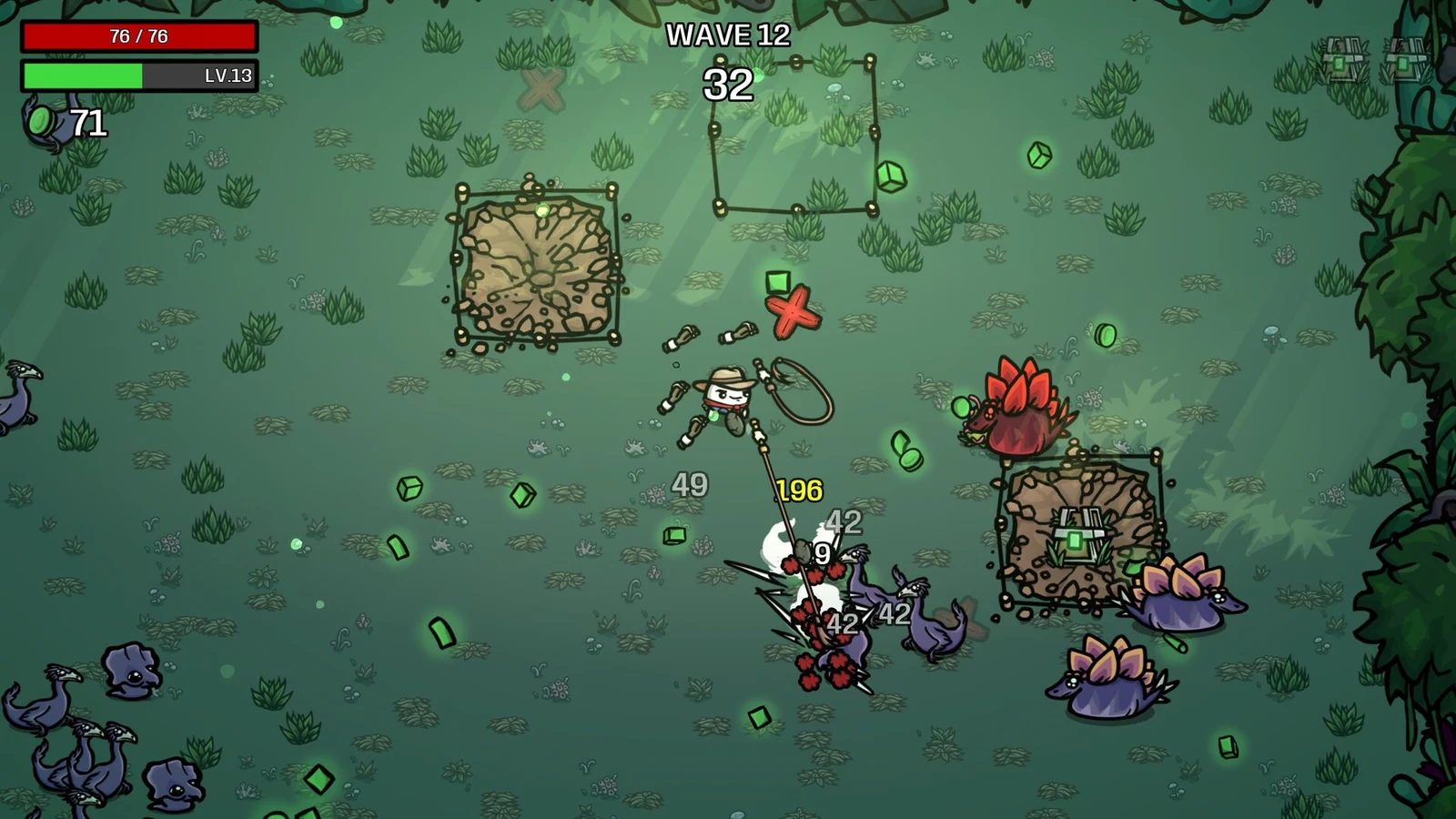
Brotato: Primal Dread Launches November 2 on PC — DLC Content and Console Timing
Brotato: Primal Dread launches November 2, 2026, on PC, with console and mobile versions planned for early 2027. Check its jungle map and base-game requirement.
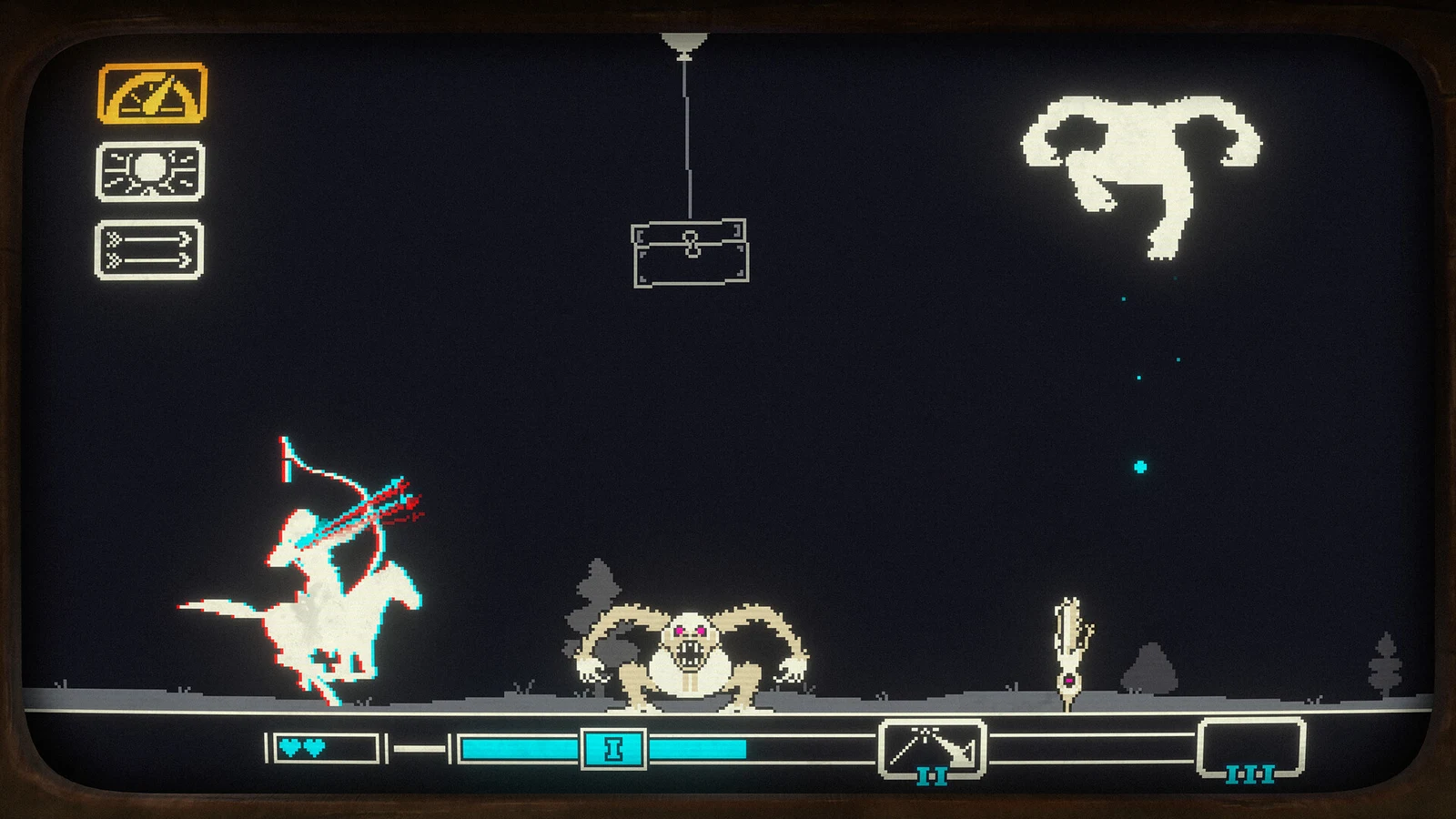
Pony Island Is Free on Steam Until October 12 — How to Claim It and Request the Sequel Playtest
Claim the original Pony Island free to keep on Steam before October 12. Learn how to request the separate Pony Island 2 playtest and check its April 2027 release.
About the author
Aram Anwar
Founder & Editor
Aram Anwar founded Red Reactions and writes across comics, gaming, movies and television. His work includes franchise guides and large Lore / Explained features, with an emphasis on separating confirmed details from reports, theory and speculation.
Coverage: Comics · DC & Marvel · Gaming · Movies & TV · Lore / Explained · Guides
More from Aram Anwar