news · gaming
Nintendo Switch 23.5.0 Prepares eShop Gifts and Improves Switch 2 Setup
Switch and Switch 2 firmware 23.5.0 prepares family gifting for November 17. See the accessibility changes on Switch 2 and how to update.
 By Aram Anwar2 min read
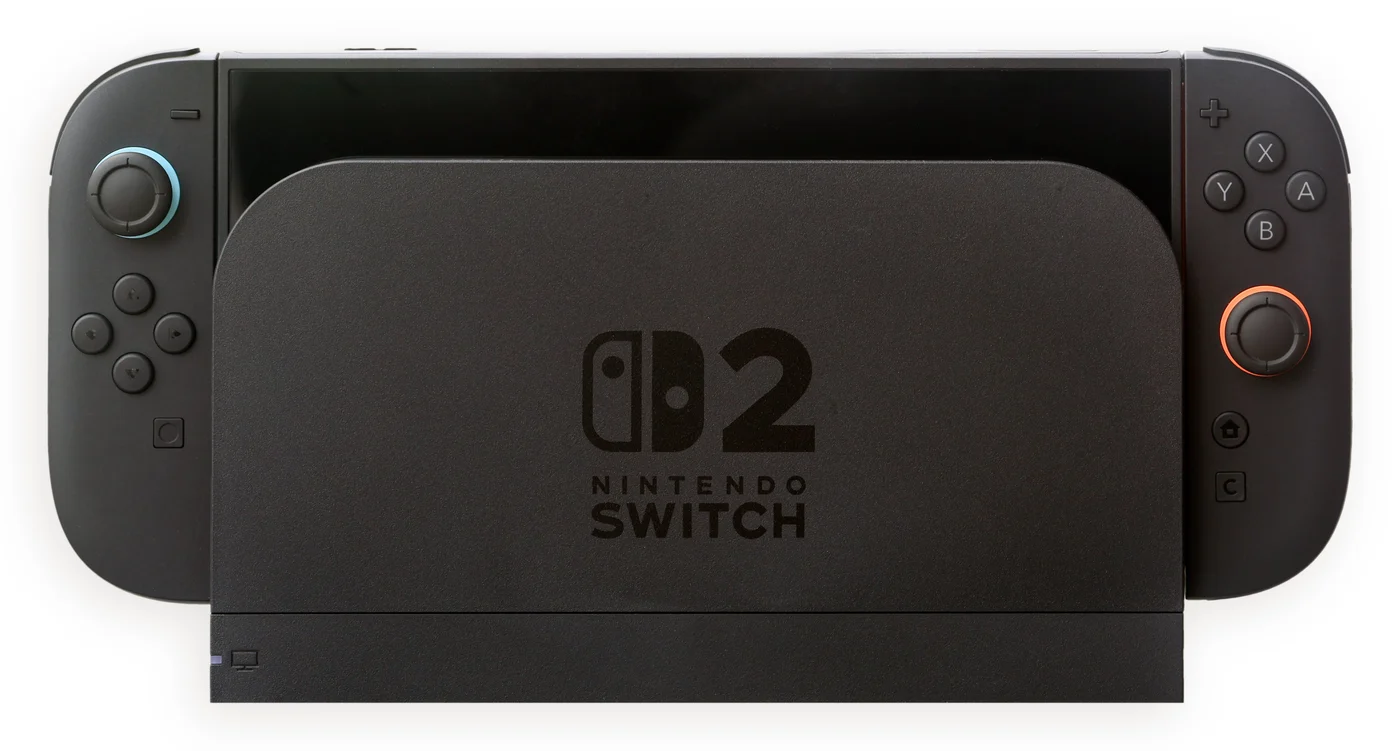
Nintendo Switch and Switch 2 system version 23.5.0 prepares Nintendo eShop gifting for members of your Nintendo Account family group. Nintendo schedules the eShop change for November 17, 2026. Installing the firmware now gets the console ready for the feature, while Switch 2 owners also get new accessibility options immediately.
What 23.5.0 adds on each console
| Change | Nintendo Switch | Nintendo Switch 2 |
|---|---|---|
| Support for upcoming eShop gifts within a Nintendo Account family group | Yes | Yes |
| Accessibility settings during initial setup | — | Yes |
| Portuguese (Portugal) text-to-speech options | — | Yes |
Nintendo’s Switch 2 notes list Portuguese (Portugal) in two places: the system Text to Speech setting and GameChat’s option to turn typed messages into speech. That is a specific language addition. The release notes describe the setup change separately, so a new owner can adjust accessibility settings while getting the console ready.
When you can send a gift
Nintendo’s UK support notes tie availability to scheduled eShop maintenance on November 17. Check your regional eShop after that work finishes. The published recipient condition is membership in the same Nintendo Account family group. Nintendo’s firmware notes leave the supported product list and purchase steps open.
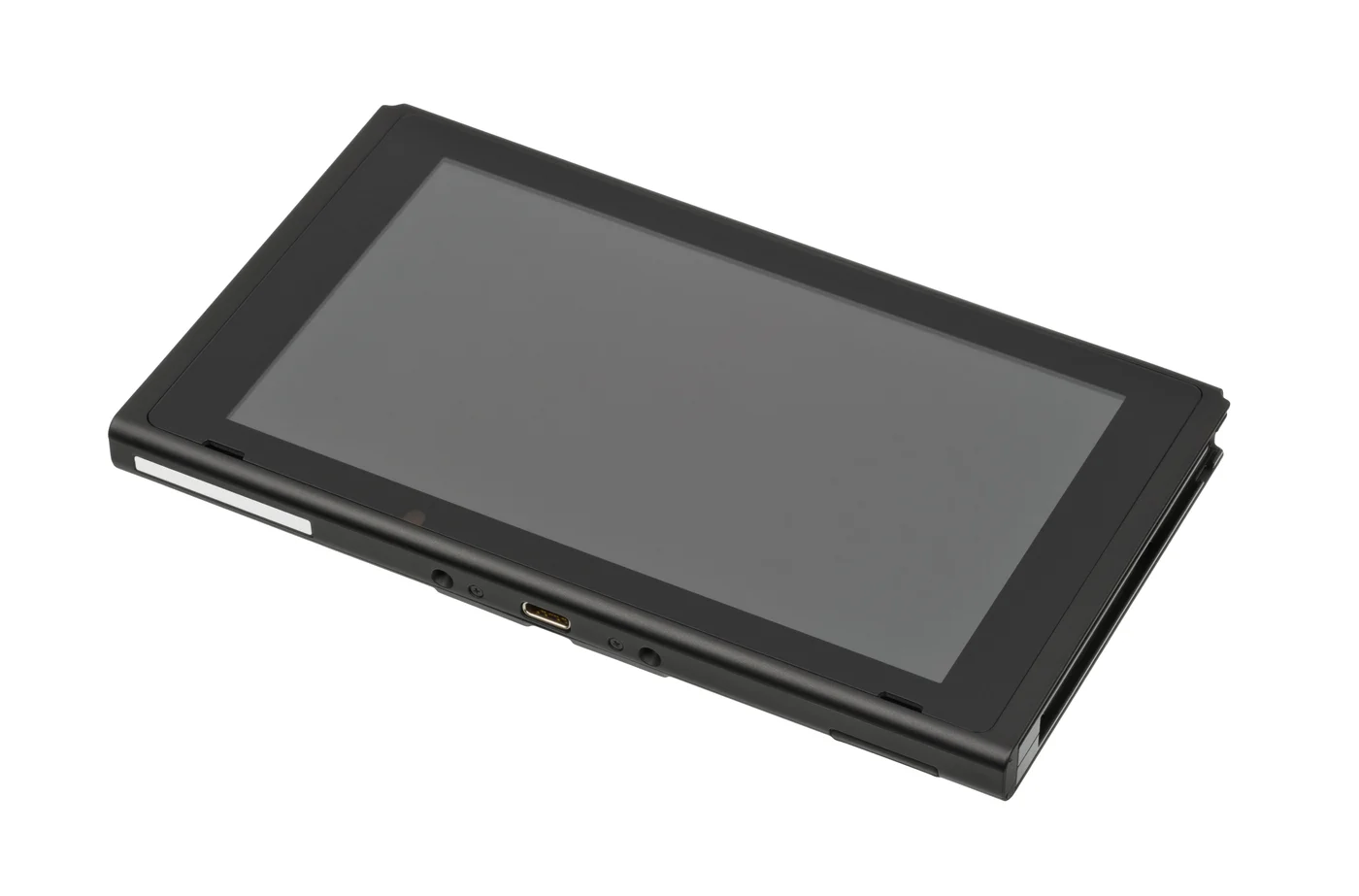
The original Switch also receives the firmware needed for gifting. Photo by Evan-Amos, dedicated to the public domain, resized and converted to WebP.
How to check and install the update
On either console, open System Settings → System → System Update. The console checks for the update and downloads it if available. Nintendo says consoles connected to the internet usually download system updates automatically. If the update cannot complete, Nintendo recommends restarting the console and trying again.
If you are moving data locally from a Switch to a Switch 2, Nintendo also says the source Switch needs the current system version. Check that console before you start the transfer.
For a separate example of why the hardware and edition matter, see our Switch 2 guide to Monster Hunter Wilds and its demo save transfer.
Hero photo by Crisco 1492, resized and converted to WebP under CC BY-SA 4.0.
Sources
Make Red Reactions a preferred source
Choose Red Reactions as a preferred source in Google Search.
Confirm your choice on Google.
Related coverage
Nintendo eShop and Switch Online Launch in the Philippines
Nintendo eShop and Switch Online are now live in the Philippines on Switch and Switch 2. Compare membership tiers, family access and how to join.
Machine Party Hits Consoles November 26 With Local and Online Play
Machine Party arrives on PS5, Xbox Series X|S and Switch November 26. See which stores confirm local and online play and what’s known about crossplay.
Herdling’s Switch 2 Upgrade Is Free. Here’s Which Edition to Download
Switch owners can download the free Herdling Upgrade Pack on Switch 2. Here’s how to choose the right eShop listing and what changes in the upgrade.
Duck Side of the Moon Comes to PS5 November 17 With Free Homegrown Update
Duck Side of the Moon reaches PS5 on November 17. Its free Homegrown update adds gardening, spaceship customization and new areas, with existing saves supported.
Nintendo Indie World October 28: Replay, Highlights and Regional Runtimes
The October 28 Indie World has concluded. Check official replays, Witchbrook and R.E.P.O. highlights, plus the historically announced regional times and runtimes.
Pokémon UNITE Ends March 23, 2027: Gems, Memberships and the Library
Pokémon UNITE closes at 00:00 UTC on March 23, 2027. Check gem and membership changes, the Library download deadline and what remains accessible afterward.
About the author
Aram Anwar
Founder & Editor
Aram Anwar founded Red Reactions and writes across comics, gaming, movies and television. His work includes franchise guides and large Lore / Explained features, with an emphasis on separating confirmed details from reports, theory and speculation.
Coverage: Comics · DC & Marvel · Gaming · Movies & TV · Lore / Explained · Guides
More from Aram Anwar