news · gaming
Xbox Disc to Digital Rolls Out to All Players: How the License Works
Xbox Disc to Digital is rolling out beyond Insiders. Here's how supported Xbox One and Series X discs grant digital access, and why the disc still matters.
 By Bamo Anwar3 min read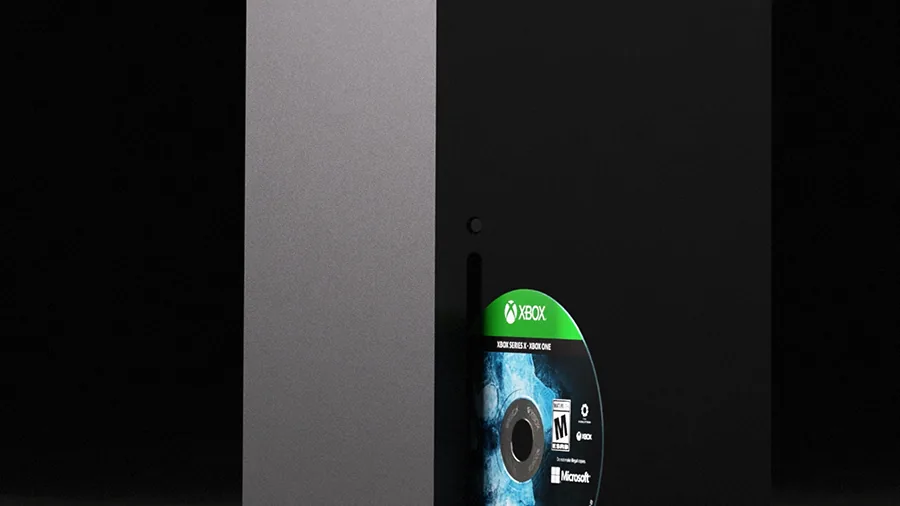
Xbox Disc to Digital is rolling out to all players, after beginning as an Insider test. Xbox’s September 29 announcement says the benefits now extend to most supported Xbox One and Xbox Series X physical discs. Insert a participating disc in a console with a disc drive and claim its digital entitlement; the entitlement can then provide digital-version features where the game supports them.
The crucial limit: this is not a permanent free digital purchase detached from the disc. The physical copy remains playable and its digital license can be revoked or transferred when the disc changes hands.
How Do You Claim a Digital License?
Xbox Wire’s original explanation says to insert a supported disc into an Xbox One or Xbox Series X console and launch the game. The digital entitlement can then be claimed. In a hands-on account, Windows Central also found a “Claim Digital License” option from the disc tile’s menu; launching the game could claim it automatically.
The Xbox Insider team’s testing notes caution that the Store may not show ownership of an equivalent digital bundle. Players can check Manage game & add-ons to see which digital content the disc actually granted. If the option is missing after the public rollout, Xbox engineer Eden Marie has advised restarting the console; a restart is a troubleshooting step, not a guarantee that every title qualifies.
Which Discs Work?
Microsoft says most, not all, Xbox One and Xbox Series X disc-based games participate. It describes thousands of titles at launch and says more will be added. Its current announcement does not extend the program to original Xbox or Xbox 360 discs, and Microsoft has not supplied a definitive public master list for every compatible game.
You also need a disc-capable Xbox console to make the claim. A digital-only console cannot read the physical copy directly. Eligibility can vary by game, edition and publisher; do not treat a community compatibility spreadsheet as an official guarantee.
Can You Remove, Sell or Lend the Disc?
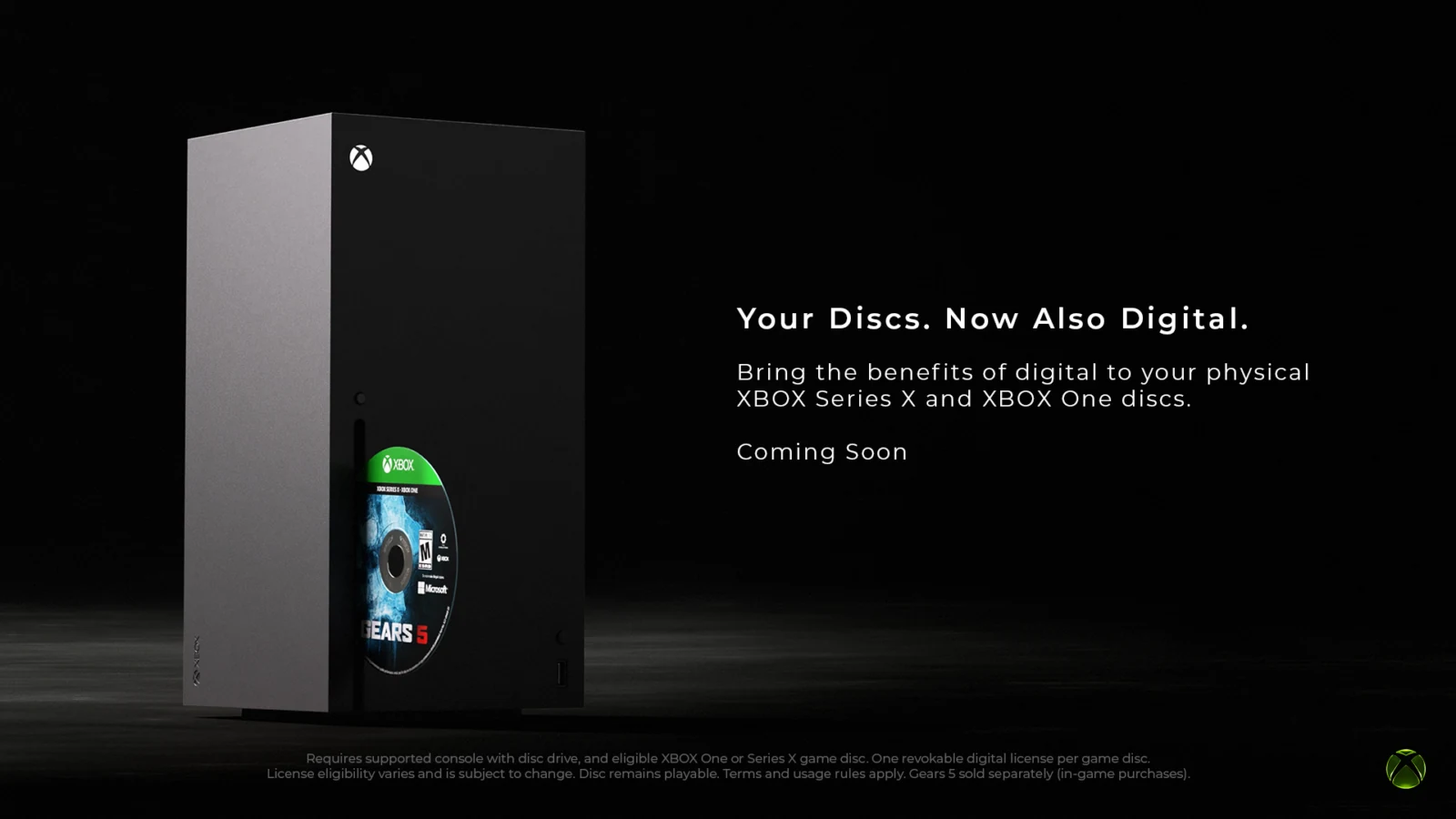
After a successful claim, you can play the granted digital version without keeping the disc inserted, according to Windows Central’s hands-on test. Xbox’s own announcement says the physical disc still works normally. The official Xbox graphic also describes the benefit as one revocable digital license per game per disc.
That makes resale or lending different from receiving a permanent, independent store purchase. Windows Central reports that when another account claims the same disc, the earlier account’s digital access is removed until that user reclaims the disc or buys the game digitally. Microsoft has not published a detailed consumer FAQ covering every transfer, offline and revalidation scenario, so players should keep the disc if they intend to rely on its entitlement.
Does It Add Play Anywhere or Cloud Gaming?
Only where the digital version supports those features. A participating disc for an Xbox Play Anywhere game can extend the relevant digital entitlement to supported PC devices. A supported cloud game may be playable through Xbox Cloud Gaming, subject to that service’s current eligibility and access rules. Disc to Digital does not turn every Xbox disc into a PC license or make every game cloud-streamable.
For the separate service rules, see our Xbox Cloud Gaming limits guide. The current Disc to Digital answer is narrower: a supported physical disc grants linked digital access, while Microsoft controls title eligibility and the digital services remain conditional.
Sources
- Xbox Wire — Your Discs. Now Also Digital. — August 26, 2026
- Xbox — public rollout announcement — September 29, 2026
- Xbox Insider team — Disc to Digital testing updates
- Windows Central — hands-on Disc to Digital license guide — September 1, 2026
Make Red Reactions a preferred source
Choose Red Reactions as a preferred source in Google Search.
Confirm your choice on Google.
Related coverage
Xbox’s New Disc-to-Digital Feature Gives Physical Games a Digital Life
Xbox is testing a new disc-to-digital feature that lets supported Xbox One and Series X discs claim a digital entitlement, with Play Anywhere and cloud benefits where supported.
Xbox Cloud Gaming Gets Monthly Limits in November — Ultimate Falls to 15 Hours
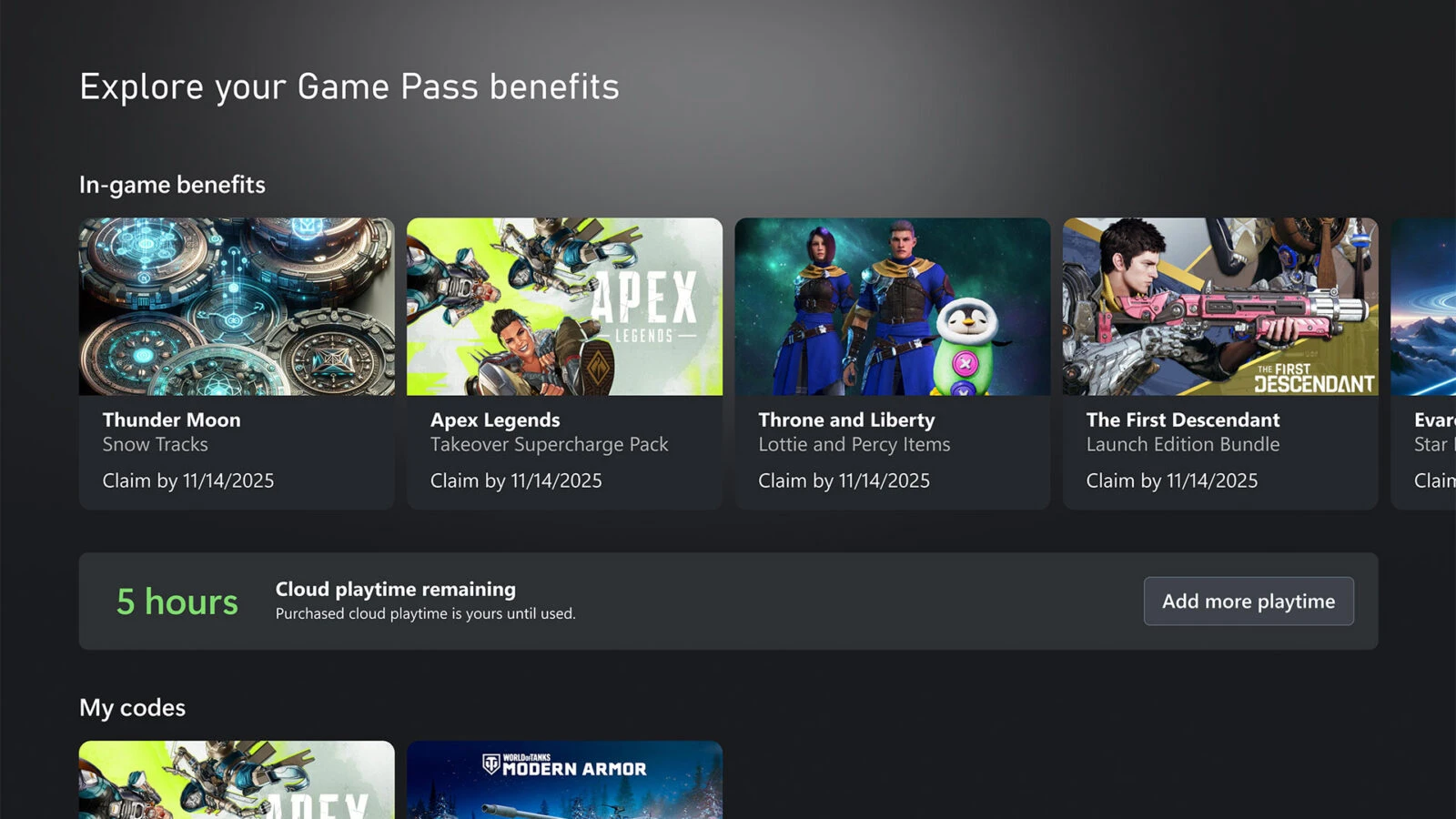
Microsoft is capping Xbox Cloud Gaming hours by Game Pass tier starting in November 2026: 15 hours for Ultimate, 10 for Premium, 5 for Essential. Here's what changes, what doesn't, and what's still unknown.
Xbox Mythic Achievements Explained: What Counts and Who Can Get Them
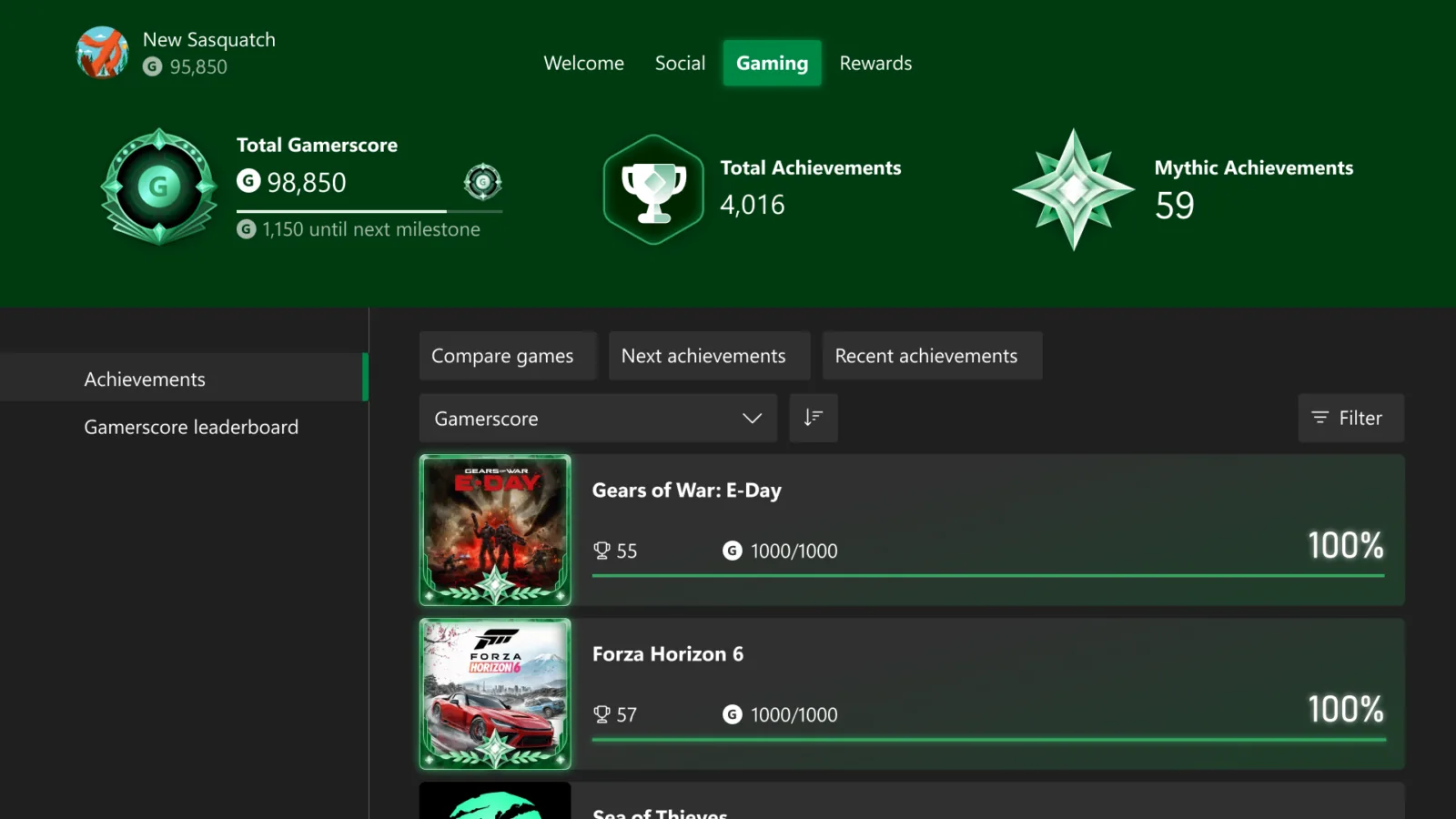
Xbox Mythic Achievements recognize original-game achievement completion. Learn why DLC does not count, how retroactive awards work and why access is Insider-only for now.
Activision Is Making the Next Halo as Xbox Cuts 268 Roles and Reshapes Its Studios
Xbox is cutting 268 roles and moving the next Halo to a purpose-built Activision team as Rare, Obsidian, Turn 10 and other studios change reporting lines.
About the author
Bamo Anwar
Anime & Gaming Writer
Bamo Anwar covers anime and gaming for Red Reactions. His work ranges from release news and detailed trailer breakdowns to beginner guides, watch orders and explainers designed to make large franchises and game systems easier to enter.
Coverage: Anime · Gaming · Beginner Guides · Watch Orders · Explainers
More from Bamo Anwar